
Start with one exact SKU, then build a better wholesale order.
The public BoardGame B2B catalog lists MOQ 1 for every product. Buyers can use a focused starting quantity to compare selected products while keeping each title, SKU, image, language and reference price accurately recorded.
MOQ 1 applies to public catalog products. Custom requirements, availability, final pricing, packaging, freight and commercial terms are confirmed by inquiry.
A practical MOQ 1 evaluation plan
- Give every sample a specific evaluation purpose.
- Choose the exact product URL and child SKU.
- Record image, language, edition and displayed price.
- Inspect the received item against the same SKU record.
- Prepare follow-up quantities and destination details.
Use a small start to answer defined questions
Select products that test different category roles, price positions, languages or formats. Avoid ordering many near-identical items without deciding what the comparison should reveal.
Record the exact SKU before sending the inquiry. A parent listing can contain different editions, titles, colors or accessories, so the parent name alone may not identify the requested item.
Keep MOQ separate from availability
MOQ 1 states the public catalog starting quantity. It does not guarantee current stock or replace a supplier confirmation for the selected SKU and destination.
Ask the sales team to confirm the exact item, current availability, final unit price, packaging, freight basis and other commercial terms before relying on the reference listing.
Document the physical review
When the item is received, compare its visible title, edition, language, components and packaging with the buying record. Photograph relevant differences and keep the notes attached to the exact SKU.
Do not apply one sample result automatically to other options on the same parent page. Materially different SKUs need their own verification questions.
Turn findings into a larger quotation request
Remove unsuitable lines, retain the selected SKUs and enter a quantity for every option. Add destination country, city and postal code, packaging requirements and a requested receiving window.
Keep the original USD website reference price in a separate field from the dated quotation. This makes later changes in scope, quantity or freight easier to audit.
MOQ 1 catalog examples
These linked products cover several formats and language positions. Each public listing shows MOQ 1 and a USD reference price for its exact SKU.
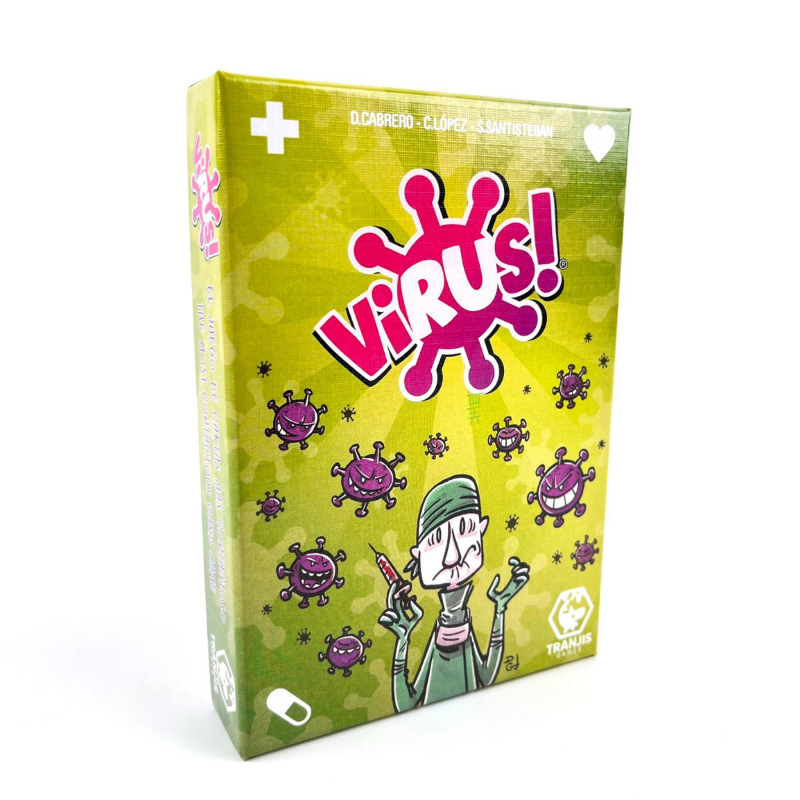
VIRUS! Original Card Game – Green Edition
USD 1.86 · 1 SKU · MOQ 1
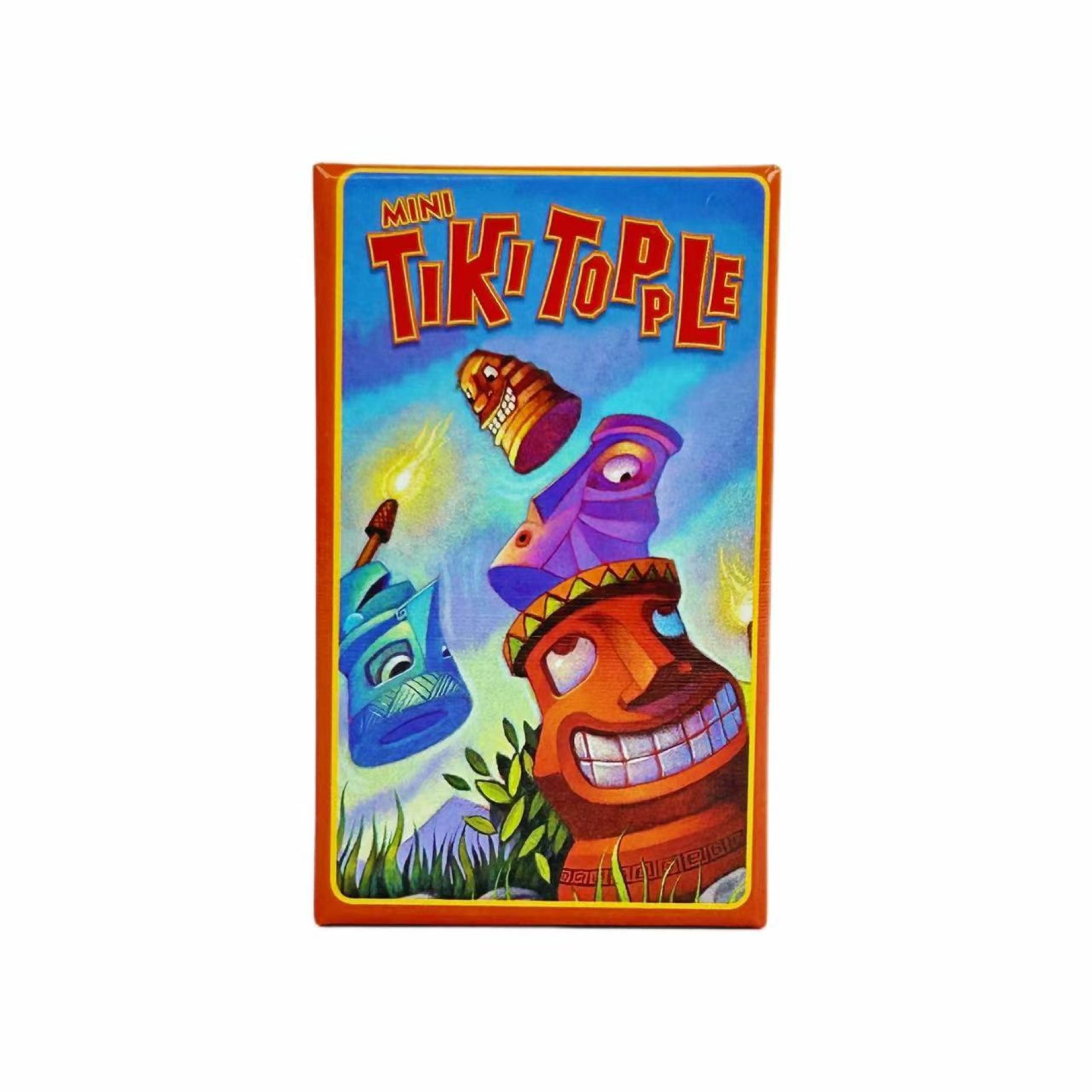
Tiki Topple Family Strategy Board Game
USD 2.61 · 1 SKU · MOQ 1
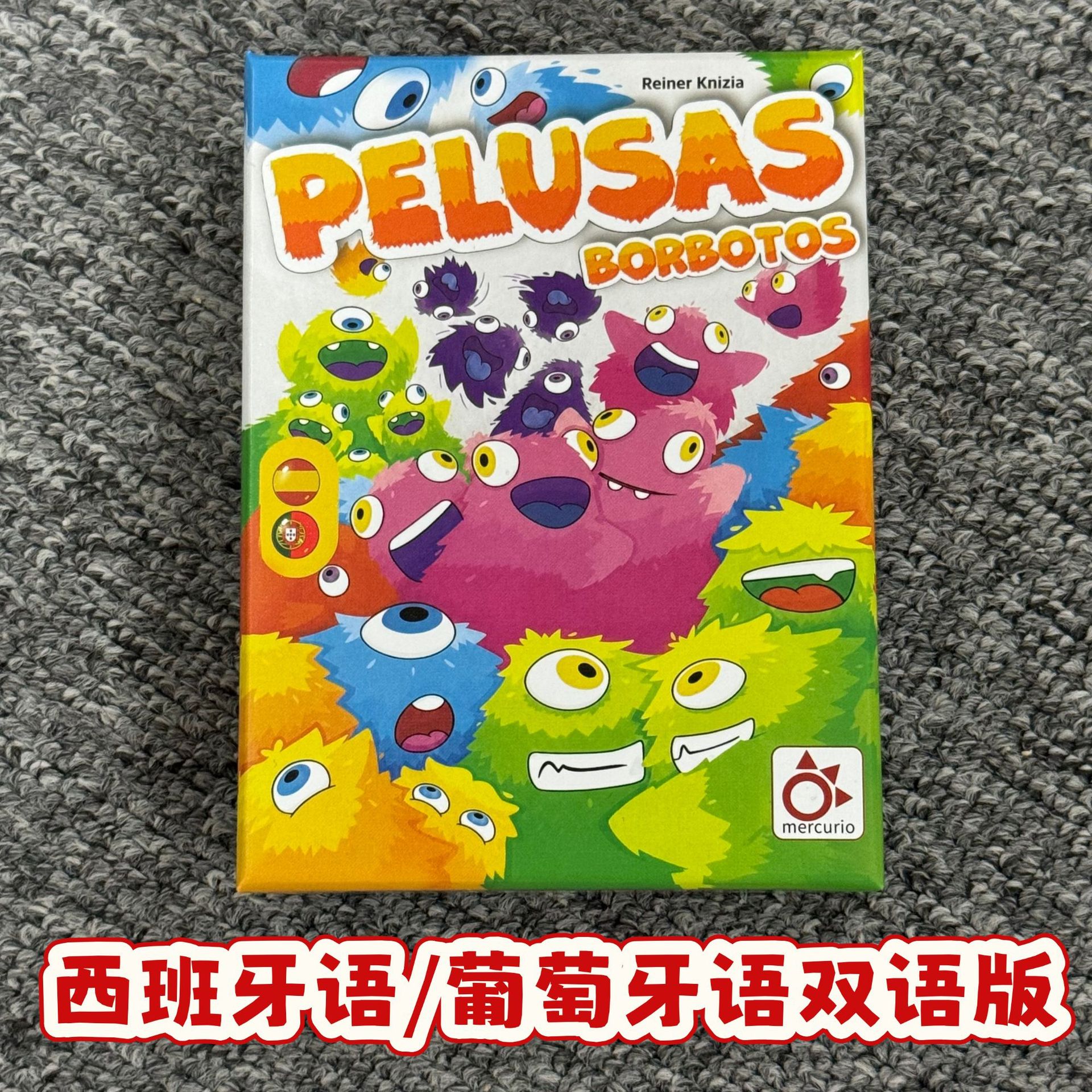
Pelusas Spanish and Portuguese Family Card Game
USD 3.35 · 1 SKU · MOQ 1
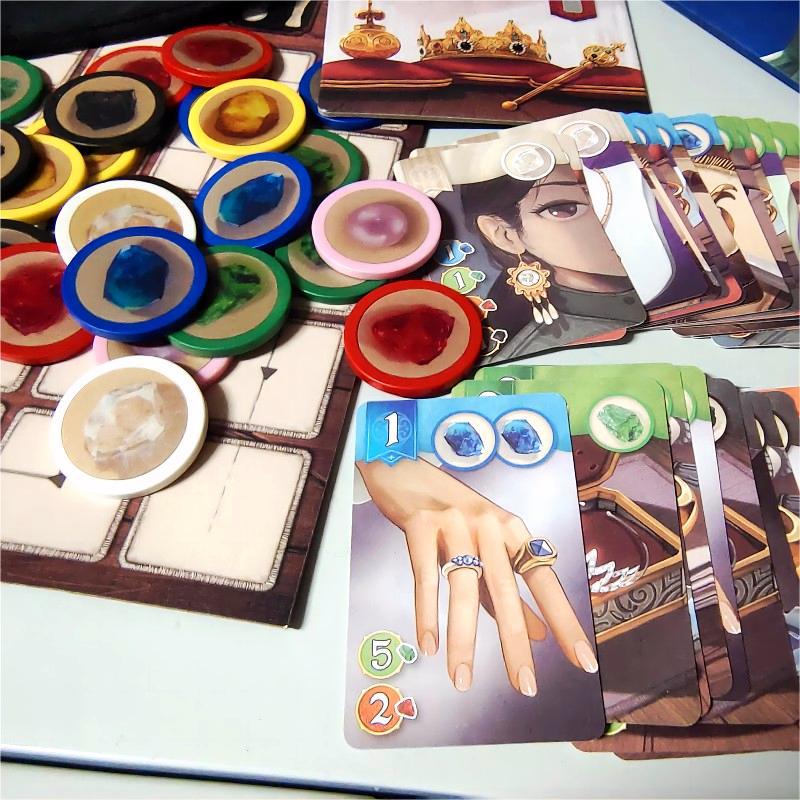
Splendor Duel Gem Token Strategy Board Game
USD 8.38 · 1 SKU · MOQ 1
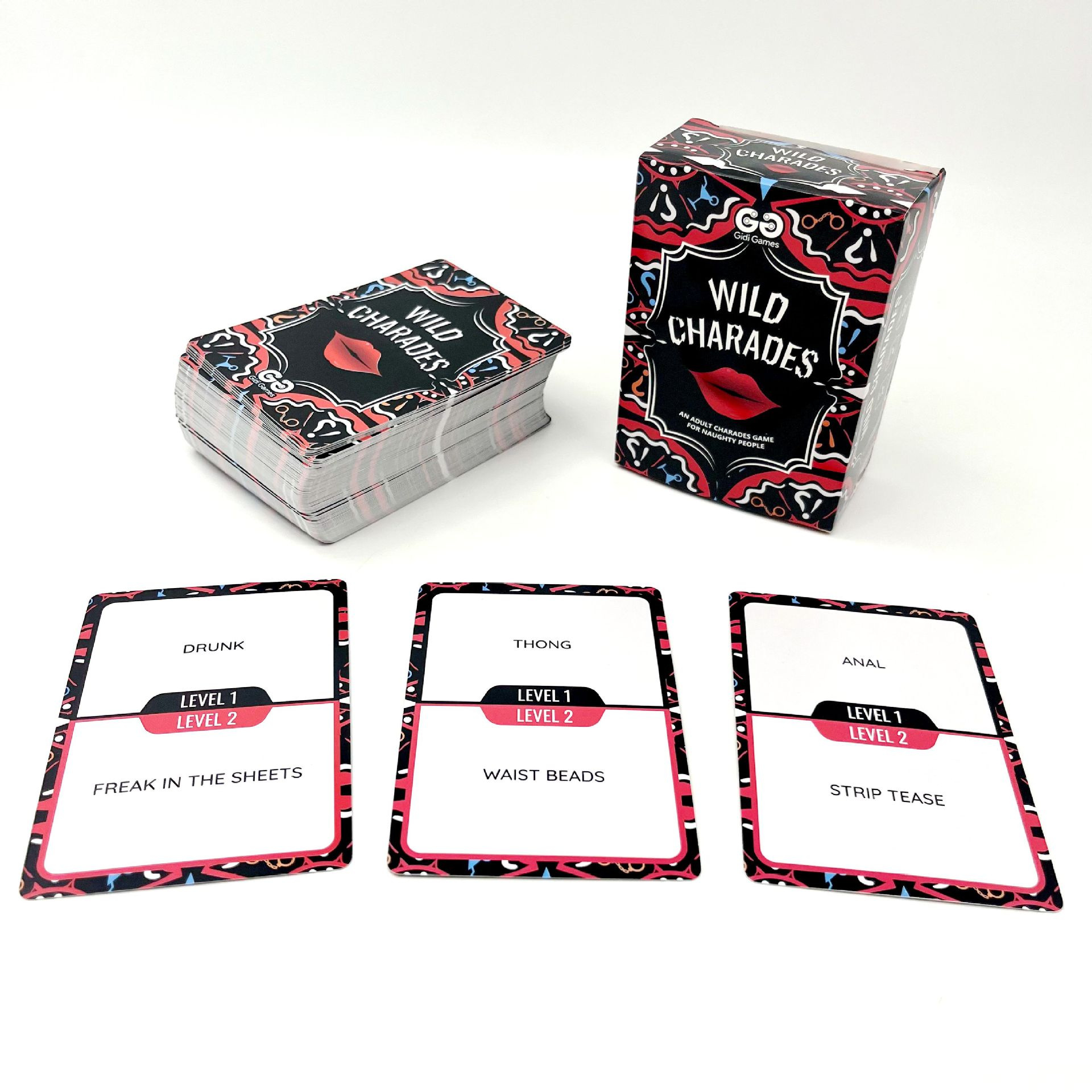
Wild Charades Adult Party Card Game
USD 2.15 · 1 SKU · MOQ 1
Frequently asked questions
Does MOQ 1 mean this is a retail checkout site?
No. BoardGame B2B is an inquiry site. The public catalog starts at one unit, while availability, final pricing, packaging, freight and terms are confirmed offline.
Can I request several different products at MOQ 1?
You can send several product links, but list each exact SKU and quantity separately so the sales team can confirm the request.
Is the displayed price the delivered price?
No. It is a USD wholesale reference for the product. Freight and final commercial terms are confirmed separately.
Send exact product links or a clearly scoped project brief.
Include SKU names or project specifications, quantities, destination and packaging questions. The sales team will confirm the applicable details for your request.
Email: boardgame_01@outlook.com